
Multi-tab hopping
Prompt in one tab, actions in another, knowledge base in a third — losing context on every switch.
The terminal-first surface to interact with ConvoZen. Built for your everyday Agent Harnesses.
Run in Claude Code, Antigravity, Codex & Cursor
Get started with just 2 steps
01 Install the CLI
macOS & Linux
curl -fsSL https://app.convozen.ai/cli/install.sh | shWindows Command Prompt (CMD)
curl -fsSL https://app.convozen.ai/cli/install.cmd -o install.cmd && install.cmd && del install.cmdWindows PowerShell
irm https://app.convozen.ai/cli/install.ps1 | iex02 Install the skill
npx @convozen/convozen-skills installEvery agent starts the same way — a prompt tab, an actions tab, a knowledge base tab, a settings tab. ConvoZen Skills and the CLI collapse all of it into one terminal conversation.
Prompt in one tab, actions in another, knowledge base in a third — losing context on every switch.
Pasting curl commands into forms, guessing parameter shapes, testing blind in a UI built for clicking.
Uploading docs, re-indexing, checking retrieval — all outside the flow where the agent is actually written.
Voices, handlers, channels, variables — each its own settings page, none of it reachable from your editor.
One CLI, one conversation, every aspect configured
Run these once, then build from the CLI directly or from Codex, Claude Code, Cursor and other supported agents.
This puts the convozen binary on PATH. The skills call this binary whenever they need to talk to ConvoZen.
macOS & Linux
curl -fsSL https://app.convozen.ai/cli/install.sh | shWindows Command Prompt (CMD)
curl -fsSL https://app.convozen.ai/cli/install.cmd -o install.cmd && install.cmd && del install.cmdWindows PowerShell
irm https://app.convozen.ai/cli/install.ps1 | iexWindows installers automatically select x64 or ARM64. After install, use convozen version to verify.
Build WhatsApp agents with all sets of WhatsApp business primitives so that you can interact with your consumers across modalities beyond just voice.
Contextual, multilingual conversations with memory across sessions.
Inbound & outbound WhatsApp voice with duplex, human-like speech.
Receives, transcribes, understands, and responds to voice notes.
Sends property photos, catalogs, ID verification prompts.
Sends walkthrough videos, explainers, and onboarding clips.
Sends invoices, policies. Parses customer uploads.
Beyond the CLI, ConvoZen gives you a full studio for pre-approved WhatsApp Business message templates — marketing broadcasts, transactional updates and secure OTPs — with rich media, interactive buttons and swipeable carousels.
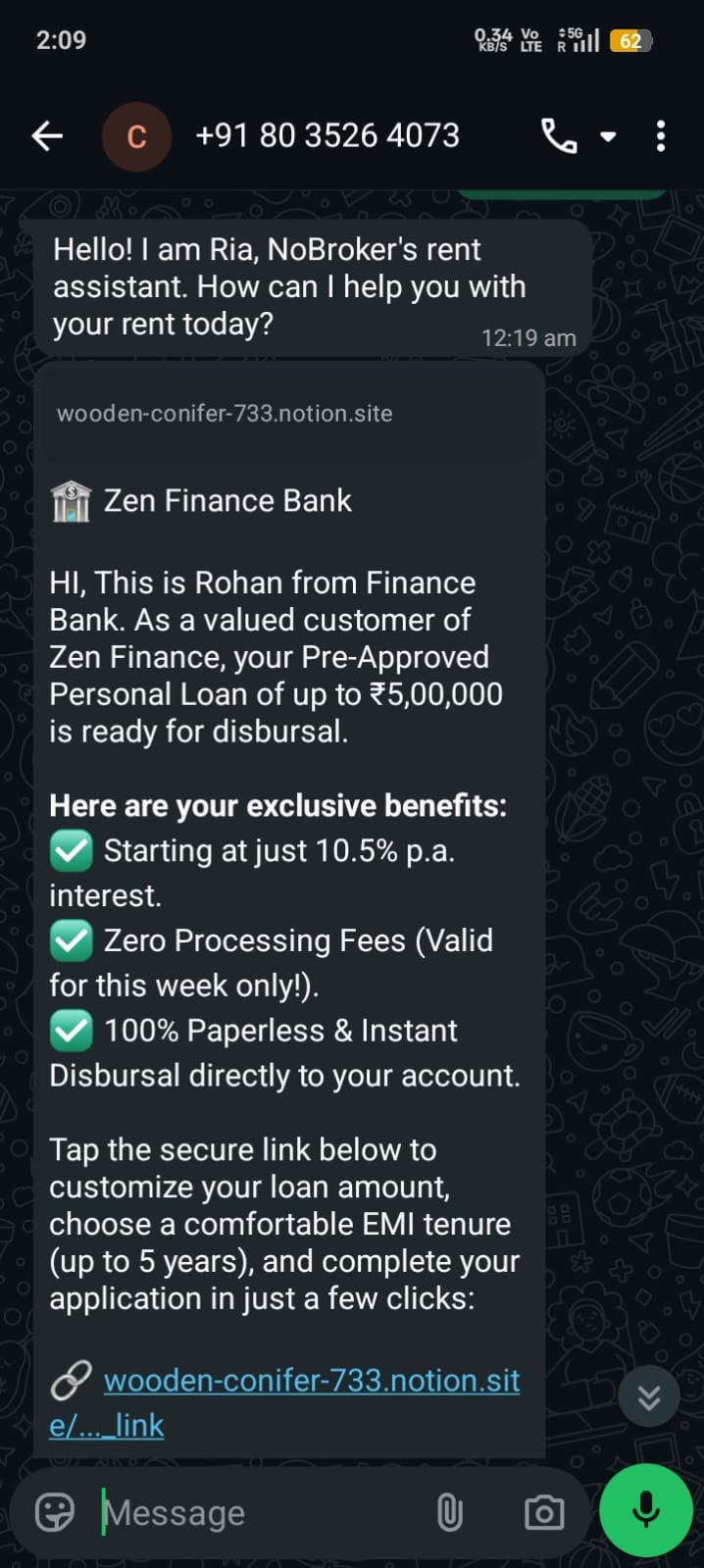
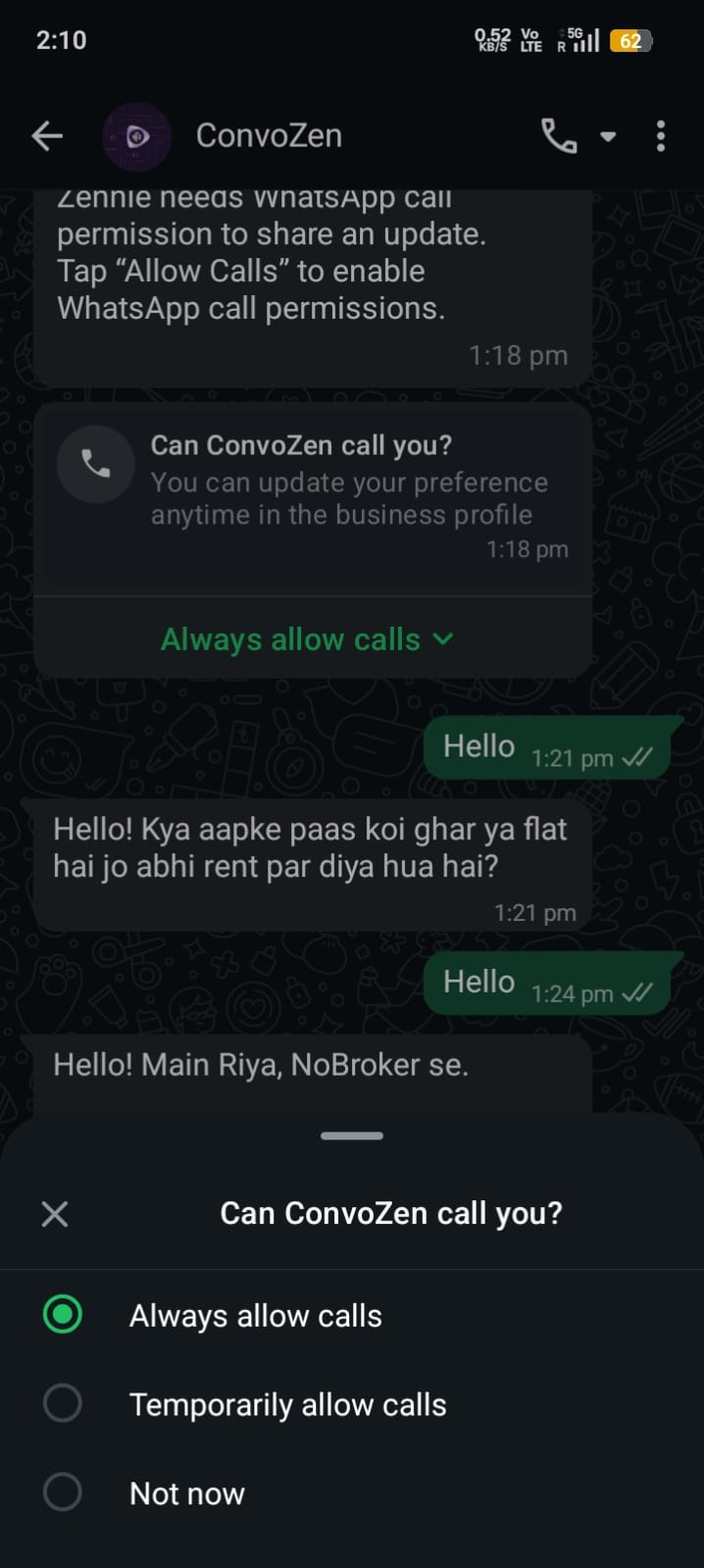
From a single verification code to a full product catalog — compose once, personalize per customer, and land straight in the world's most-used inbox.
Reach customers any time — even outside the 24-hour window — with templates reviewed and approved for delivery.
Always deliverableDrop in variables like name, order ID or amount and every message renders uniquely for each recipient at send time.
Up to 10 variablesLead with an image, video, document or a pinned location. Turn a plain notification into an on-brand moment.
Image · Video · Doc · LocationQuick replies, call-to-action links, one-tap phone dials and copy-code buttons — customers act without leaving the chat.
Tap, don't typeShowcase up to 10 cards in one message — perfect for catalogs, listings and multi-offer campaigns.
Up to 10 cardsSee exactly how a template looks with sample values before it goes live. Catch typos in the studio, not the inbox.
What you see shipsInstall the ConvoZen CLI and agent skills once. Build voice and messaging agents from any terminal — Claude Code, Codex, Cursor, Antigravity, or anything that speaks the Agent Skills spec.
you@terminal ❯
macOS & Linux
curl -fsSL https://app.convozen.ai/cli/install.sh | shWindows Command Prompt (CMD)
curl -fsSL https://app.convozen.ai/cli/install.cmd -o install.cmd && install.cmd && del install.cmdWindows PowerShell
irm https://app.convozen.ai/cli/install.ps1 | iexInstall the agent skills
npx @convozen/convozen-skills install